Upload the statement
Choose one or several PDF statements.
 Statements AI
Private statement analysis
Upload a statement. Statements AI extracts transactions, flags rows that need attention, and gives you a clean ledger to review before export.
Choose PDF statements when you are ready.
Source PDF
Statement period: 01-31 Jan 2026
Pages detected: 12
Transactions: 84
Structured review
| Date | Description | Amount | Category | Status |
|---|---|---|---|---|
| 03 Jan | Cloud hosting | -₹18,420.00 | Software | Ready |
| 05 Jan | Client receipt | ₹2,40,000.00 | Income | Ready |
| 08 Jan | Transfer to payroll | -₹98,500.00 | Payroll | Review |
| 11 Jan | Office lease | -₹64,000.00 | Rent | Ready |
Choose one or several PDF statements.
Check dates, descriptions, amounts, categories, and balances.
Download CSV records after the ledger matches the source statement.
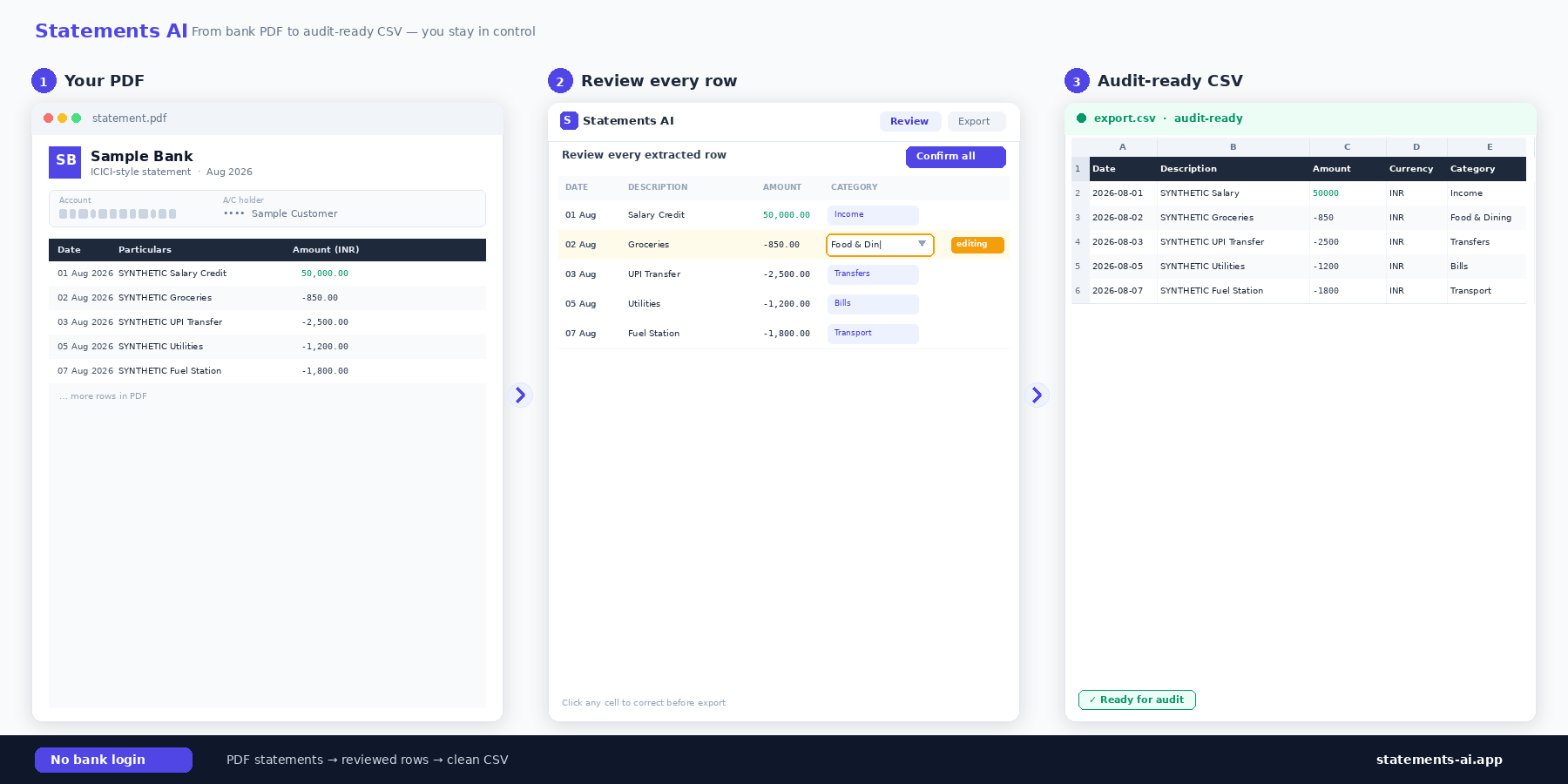
The processing path belongs beside the upload action, not buried in vague security copy.
The file is queued locally before processing.
Authenticated processing requests send the statement over HTTPS.
Vercel and Gemini processing returns reviewable rows under the documented retention policy.
Human review is required before exported records are used.
No. Statements AI works from PDF statements you choose. It does not require banking credentials for the upload workflow.
Yes. The review ledger lets you edit categories, transaction type, excluded rows, and filters before CSV export.
The interface accepts PDF bank and credit-card statements. Unsupported file types are skipped immediately after selection.
PDFs are queued locally, transferred through authenticated encrypted requests for temporary processing, and retained according to the published privacy policy.
Upload PDF statements, extract transactions with AI, review every row, and export audit-ready CSV records.